Introduction
In simple terms, what is jane app? It is an all-in-one clinic sidekick that lives on the internet. It helps you talk to patients, book visits, and get paid without the headache of old-school paper files. In this guide, we will break down everything from the jane app login process to how much it costs, all while keeping things as easy as a 5th-grade science book. Let us dive in and see if this is the right fit for your practice.
Detailed Overview: The 4 Key Faces of Jane
To understand the platform better, let us look at the different roles and how they interact with the system using our overview table.
| Profile | Profile Type | Primary Purpose | Key Feature |
|---|---|---|---|
 |
Practitioner | Managing patient care and charts for Doctors and Therapists. | HIPAA-Compliant Charting |
|
Administrative Staff | Managing the front desk and billing for receptionists. | Master Schedule View |
|
Patient / Client | Booking and attending sessions for your customers. | 24/7 Online Booking |
|
Account Owner | Full business oversight and billing for clinic owners. | Financial Reporting |
What is the Jane App and How Does it Work?
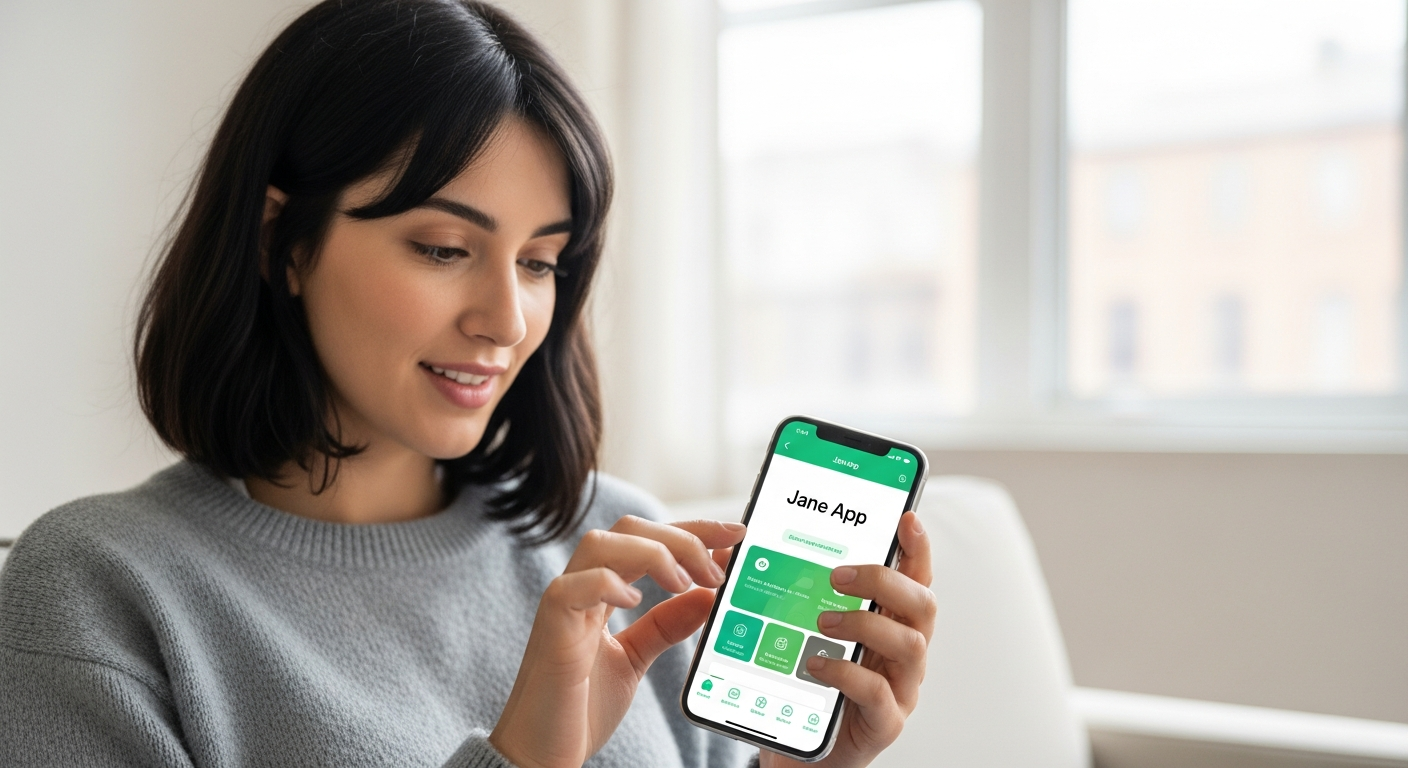
When people ask what is the jane app, they are usually looking for a way to save time. Imagine a digital assistant that never sleeps. It handles your calendar, sends reminders so people do not forget their visits, and even hosts video calls for telehealth. It is cloud-based, which means you do not have to install anything on your computer. You just go to the website and jump right in.
One of the best things about it is how it treats your patients. They get a beautiful portal where they can see when you are free. They can book a spot at 10:00 PM while you are watching TV. This means your phone rings less, but your schedule stays full. It is a win-win for everyone involved in the healing process.
Getting Started: The Jane App Sign In Process
Setting up your account is the first step toward a more organized life. The jane app sign in is designed to be very secure but also very simple. When you first join, you will get a special web address just for your clinic, like yourclinic.janeapp.com. This is your home base for everything you do.
If you are a new user, you will create a unique username and a strong password. It is always a good idea to turn on 2-Step Verification. This adds an extra lock to your door by sending a code to your phone. It keeps your patient data safe and sound, which is the most important part of being a trusted healthcare provider.
Navigating the Jane App Login for Daily Use
Once your account is ready, you will use the jane app login every morning to see your day. The layout is very clean and uses bright colors to show different types of appointments. It feels less like a scary medical program and more like a friendly social media feed.
If you ever get stuck at the login screen, do not worry. There is a “Forgot Password” link that works instantly. Most people find that staying logged in on their private work computer saves a lot of time. Just remember to always log out if you are using a computer that other people can touch.
Special Access: The Jane App Provider Login
Practitioners have their own special way to enter the system. The jane app provider login gives you access to the Admin side of things. This is where the magic happens. You can write your SOAP notes, look at a patient’s history, and even see if they have paid their last bill.
A common question is: can i use “jane app” on my tablet? Yes. The provider view works great on iPads and Android tablets. This is perfect if you like to carry your notes with you from room to room. It makes you look professional and keeps all your data in one safe place instead of on loose scraps of paper.
Helping Your Team: Jane App Staff Login
Running a clinic is a team sport. The jane app staff login is for the people who keep the gears turning, like your front desk stars. They might not need to see medical charts, but they definitely need to see the calendar. You can set permissions so they only see what they need to see.
For example, your receptionist can use the jane app log in to move appointments around or check someone in when they arrive. Because everyone is looking at the same live calendar, there are no double-bookings or confusing mistakes. It keeps the whole office in the loop and happy.
Finding Your Way: Jane App Practitioner Login Tips
If you are the person actually treating the patients, the jane app practitioner login is your gateway to clinical excellence. One pro tip is to bookmark your specific clinic’s admin URL. This way, you do not have to type it in every single time you start your shift.
When you are logged in as a practitioner, you can use Day Sheets. This is a list of everyone you are seeing today. It even shows you a little icon to let you know if you finished your notes or if you still need to sign them. It is like a digital To-Do list that helps you stay on track so you can go home on time.
Understanding Jane App Pricing for Your Budget
Now, let us talk about the financial side. jane app pricing is very fair and changes based on how big your business is. The cool thing is that you only pay for the practitioners who have a schedule. Your front desk staff and your patients are always free. This makes it much cheaper than other systems that charge for every single person who uses the computer. It helps you grow your business without breaking the bank.
Real Stories: Jane App Reviews from the Field
What do other people think? jane app reviews are usually very high, often getting 4.5 out of 5 stars. Users love how pretty it looks and how easy it is to learn. Many therapists say it saved them five hours of paperwork every single week. Some people mention that there is a lot to learn at first because the app does so much. However, they also say that the Jane University videos make it easy to become an expert.
Help is Here: Jane App Customer Service
If you ever have a technical hiccup, the jane app customer service team is ready to help. You can call them, email them, or even chat with them inside the app. They are famous for being very kind and actually knowing what they are talking about. They also have a huge library of Guide Docs. These are short articles with pictures that show you exactly how to do things safely.
Conclusion
In the end, the question “can i use “jane app”” really comes down to whether you want more freedom in your day. By using the jane app login to automate your bookings and the jane app practitioner login to speed up your notes, you get back the time you used to spend on boring chores. It is a community of helpers helping helpers. If you are ready to stop stressing about paperwork, giving Jane a try might be the best decision you make this year.
Faqs
While Jane is a web-based tool that works on any phone browser, they also have a handy app for iOS and Android for easy access on the go.
Absolutely. Jane follows very strict rules like HIPAA in the US and PIPEDA in Canada using bank-level security.
Yes. Jane has a built-in Online Appointments feature that is secure and does not require extra software downloads.
The Jane team is great at helping with Data Imports. They can move your patient lists and appointments from old software into Jane for you.
Yes, it has special tools to help you create Superbills or submit claims directly in certain regions.
Jane usually offers a demo so you can see how it works before you commit to a plan.